Starter
Try PNS with no commitment.
0 zł/ forever
- Up to 12 players
- 2 groups, 1 coach
- Exercise & training library
- Plans and schedules
- Attendance
App 01 · Training
Stop planning training sessions in Excel.
PNS is a tool for table tennis coaches who want to plan smarter. An exercise library with a table editor, ready-made season plans, and schedules — all in one place, with no scattered files. You'll add your first exercise in 3 minutes.
Training on your own, without a club?
This page is for clubs. If you're an individual player with no groups or coaches to manage — check out PNS for players, no registration form needed.
PNS for players →Sound familiar?
Word docs, PDFs, photos of the whiteboard — scattered across folders and your phone. Finding one specific exercise takes minutes.
Facebook groups, private messages, SMS reminders — every change means another round of re-sending.
You know what you want to achieve — but there's no single place showing the phases, goals, and specific days.
PNS brings it all into one place — no Excel, no scattered files.
"PNS lets me keep exercises, plans, and schedules in one place. Before, everything was scattered across dozens of files — now I have it all at hand."
Daniel Rakoczy, coach and president of UKS Kąty Wrocławskie — a top club in Lower Silesia
"The app presents a coherent concept and addresses the real needs of table tennis coaches. The interface is intuitive, and the solutions used show a solid understanding of the training process."
Marek Chrabąszcz, master-class coach — founder of the Dolnobrzeska Table Tennis Academy, whose players have won over 200 Polish and Lower Silesian championship medals
Read the full review →"As a player, I like having training blocks clearly planned out. With PNS I have the comfort of easy access to my saved training sessions."
Kacper Miner, player at UKS Kąty Wrocławskie
Calendar
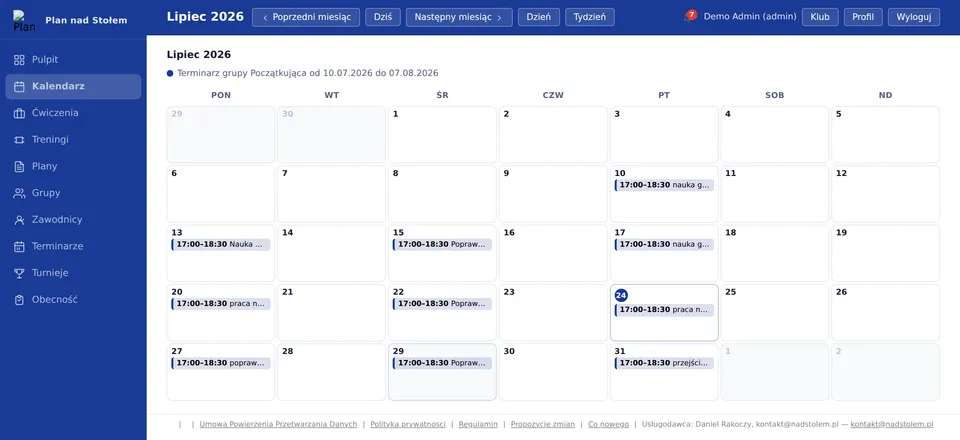
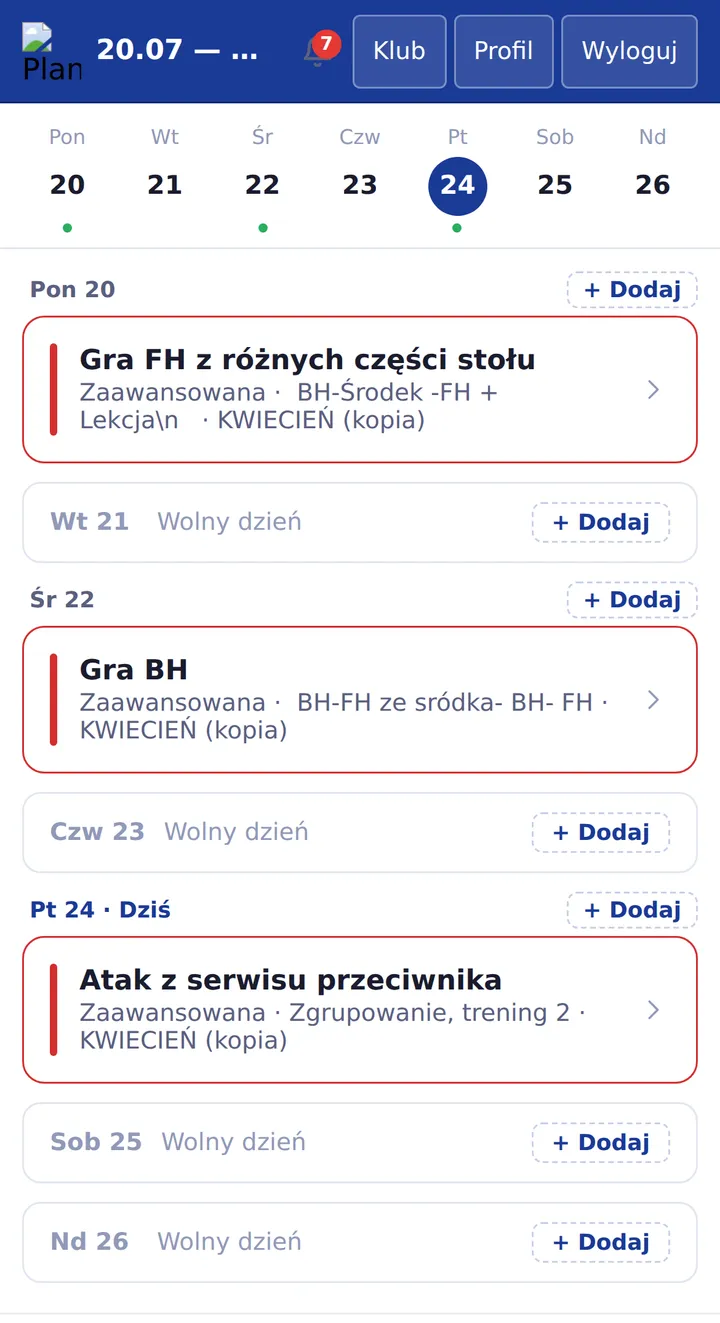
Generate a schedule from a training plan in one click — PNS lays out the calendar automatically based on the weekdays and times you pick.
Training plan
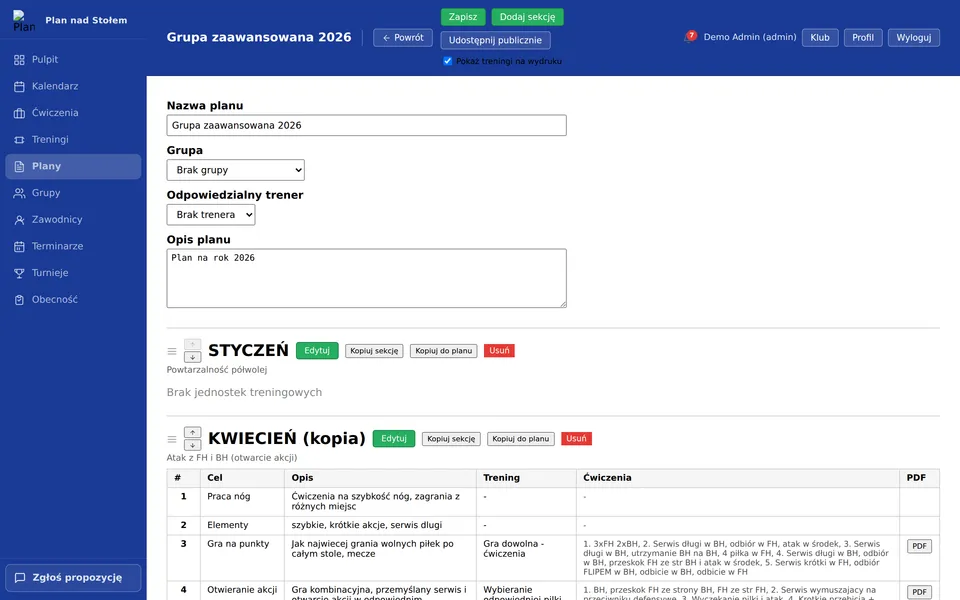
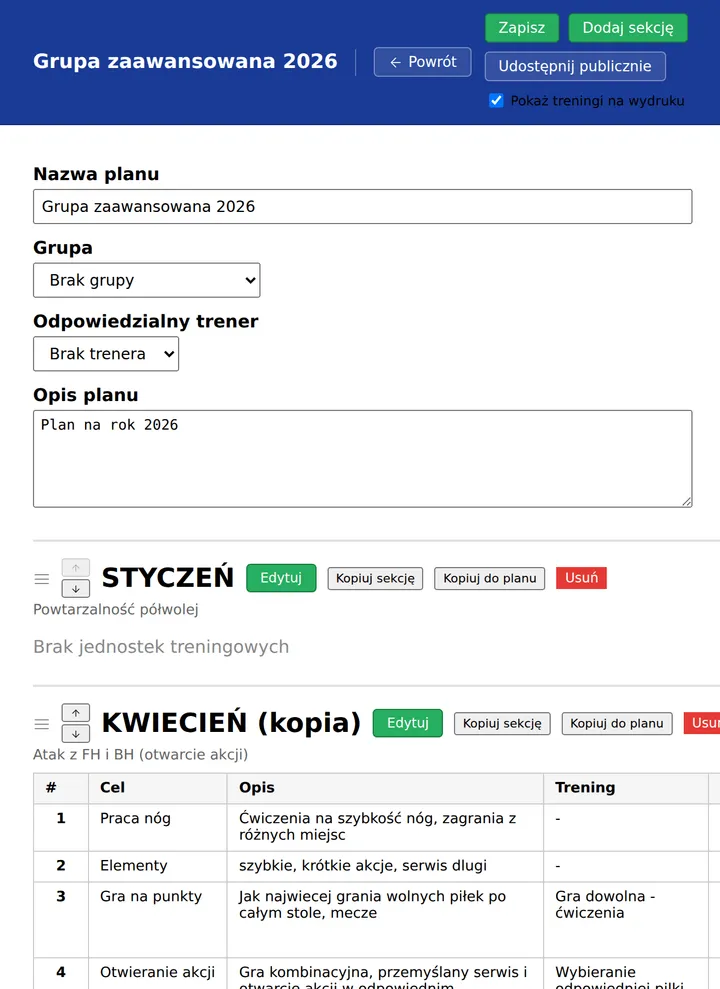
Plan → Sections (phases) → Days. Every day has a goal, a description, and a training session from the library — export the whole thing to PDF in one click.
Players
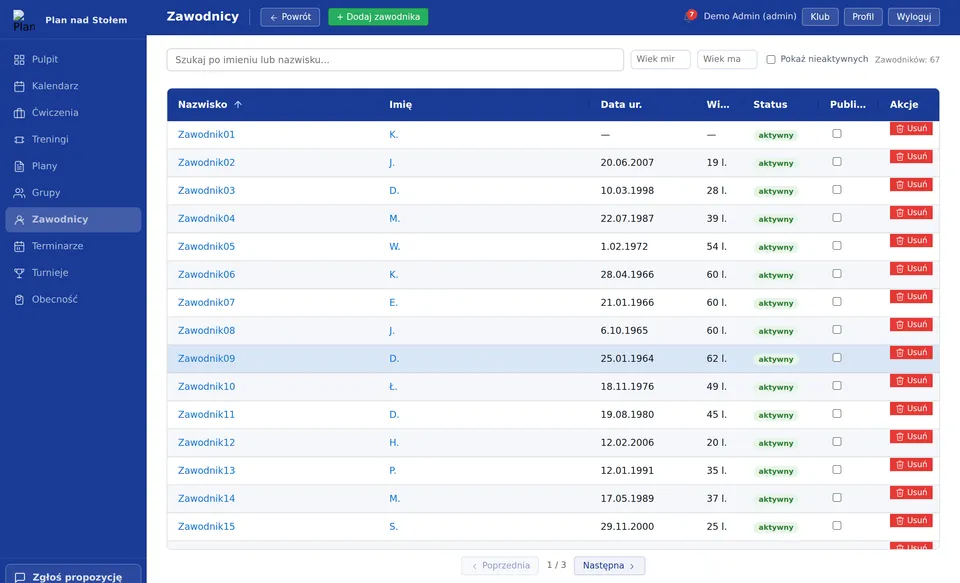
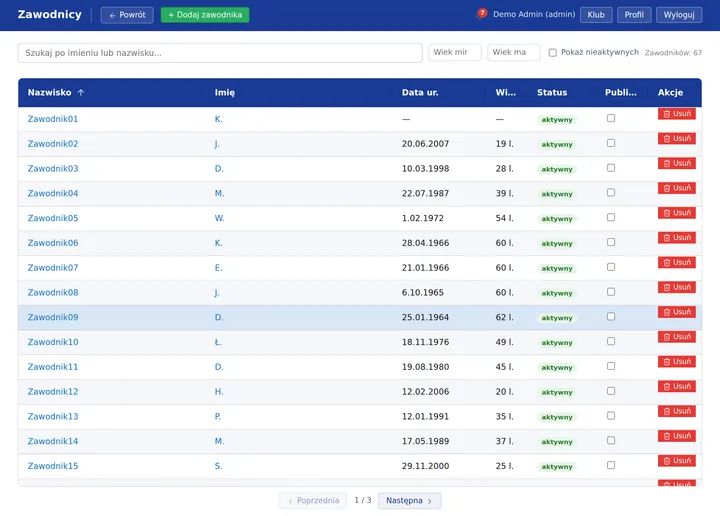
Age, status, public visibility — all in one table with search and age filters. Assign players to groups in seconds.
Features
From a single exercise to an entire season — with an isolated data space for every club.
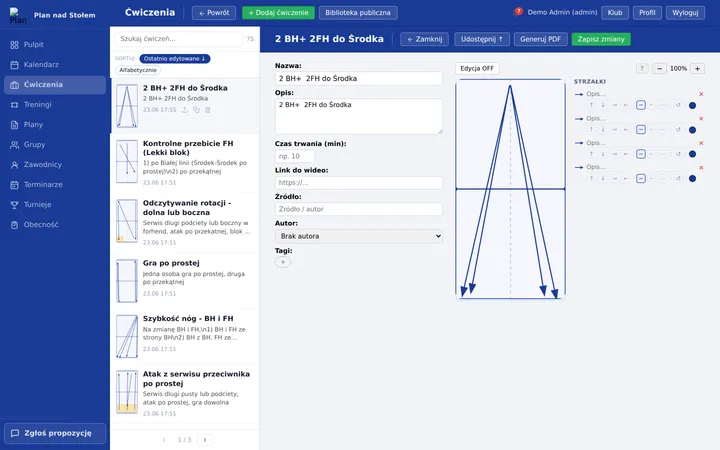
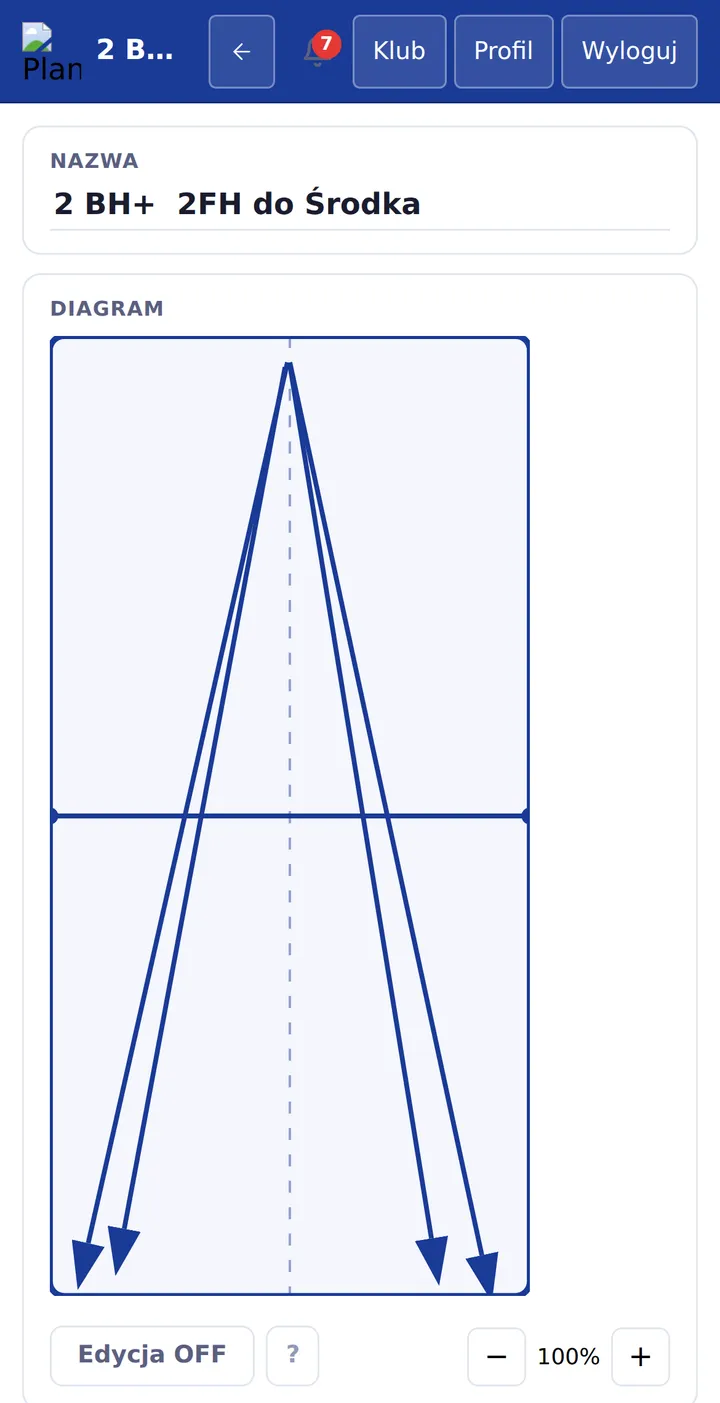
Visual table editor — draw arrows and zones on a table diagram. Tagging, search, and PDF export.
Build a session from up to 6 exercises, add descriptions and tags. PDF export in a clear 2×3 layout.
Plan → Sections (phases) → Days (1–31) hierarchy. Every day has a training session, a goal, and a description. Export the entire plan to PDF.
Create player groups and generate a training calendar from your plan — choose days of the week and times, weekly view.
Submit exercises to the shared library — other clubs can copy approved entries into their own.
Manage club users and roles (admin, coach) and resource limits. Every club has its own isolated data space.
Who it's for
Whatever your size — one tool built for table tennis.
You run 1–2 groups and do everything yourself. PNS replaces Excel and a folder full of PDFs — you get an exercise library and ready-made plans in one place.
Several coaches, several groups, different skill levels. Everyone has their own account, and the club keeps a shared exercise library and schedules.
Long-term development plans, systematic work season after season, PDF export of plans. PNS scales together with you.
PNS pricing
The free plan is enough to try out the system. Paid plans with higher limits and extra modules are now available.
Try PNS with no commitment.
For a small club run seriously.
The full power of PNS for an active club.
No limits, for large clubs and federations.
How to order a paid plan
Mini, Klub and Pro are already available — payment is by manual bank transfer, not an automatic card charge. Steps: 1) register a free Starter account, 2) log in and pick a plan in the "Packages" tab, 3) you'll get an account number and a unique transfer reference, 4) once the payment lands we activate the plan manually — usually within 1–2 business days.
FAQ
Yes — the Starter plan is completely free and requires no payment details. Register your club and start using it right away.
Yes, PNS runs in the browser on any device — computer, tablet, or phone. No app installation required.
We get it — that's exactly why we designed PNS so you can add your first exercise in 3 minutes. No training sessions, no setup. Most coaches start using it the same day they sign up. If anything is unclear, just write to us — we reply within 24 hours.
You can export your data to a file (CSV/PDF) at any time. If we ever shut down, we'll give at least 3 months' notice and provide a full export. Your data is stored on GDPR-compliant servers within the European Union.
Excel is great for tables. But it can't draw an arrow on a table, link an exercise to a training session and a plan at the same time, or show a player's history and skills. Coaches who switched from Excel say they save 2–3 hours a week on session prep. Read the PNS vs Excel comparison →
Yes — this website is also available in Polish. Use the PL link in the top menu to switch anytime.
Available from any device through your browser.